Job Application Follow-Up Cadence: Step-by-Step Outreach Scripts
Ads
Most job applications land in automated databases without an immediate sign that a person saw them. A well-timed follow-up can draw attention to your file, but aggressive or poorly timed notes can sink an otherwise qualified application.
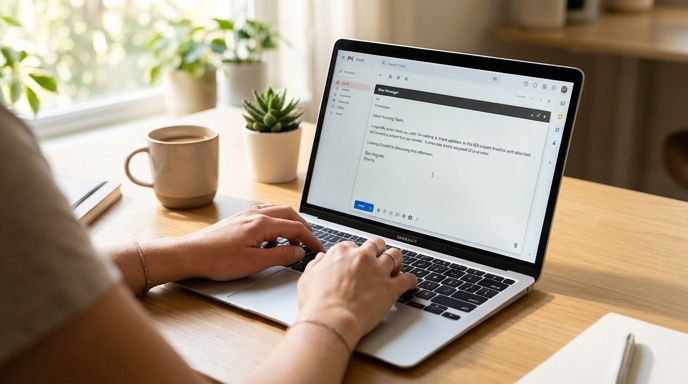
A clear job application follow-up cadence keeps communication professional. Knowing when to reach out, whom to contact, and when to close an inactive file keeps your pipeline moving cleanly.
The Seven-Day Follow-Up Protocol
Never reach out within 48 hours of applying. Screening workflows take time, and immediate check-ins disrupt recruiters. Use this schedule:
Whom to Contact: Recruiter vs. Department Lead
Target your note based on role ownership:
If you find an internal recruiter or talent acquisition specialist hiring for that team, contact them first. They manage applicant queues and screening calls. If no recruiter is listed, reach out to the functional department lead (such as an Engineering Manager or Marketing Director). Keep notes to team leads brief and focused on specific skills.
Exact Outreach Scripts to Adapt
Keep your messages direct, factual, and under 100 words:
Option A: LinkedIn InMail or Connection Note to Recruiter
Hi [Name], I recently applied for the [Job Title] role on the [Specific Team] team via your careers portal. Given my background in [Name 1 or 2 Core Technologies or Competencies], I wanted to confirm my materials arrived safely. I know your desk is busy—thank you for your time and consideration.
Option B: Email to Department Hiring Manager
Subject: Application Follow-Up: [Job Title] - [Your Full Name]
Hi [Name],
I submitted an application for the [Job Title] opening on your team last week. In my previous work, I focused on [Brief One-Sentence Impact Point, e.g., managing database migrations with zero unplanned downtime].
I admire [Company Name]'s recent work in [Specific Company Initiative] and would welcome the opportunity to discuss how my background matches your immediate roadmap. My resume is attached for convenience.
Best regards,
[Your Name]
When to Archive an Inactive File
If you receive no reply within fourteen business days of your follow-up note, move the application to Archived. Do not send further messages.
Archiving unresponsive leads keeps you focused on active conversations and prevents spending time waiting on companies that are not moving forward.
Frequently Asked Questions
What if the job posting explicitly says 'No phone calls or emails'?
Follow the instructions. Bypassing an explicit request not to reach out tells the employer you ignore instructions. Let your portal application stand on its own.
Should I follow up if the portal status already says 'Under Review'?
An 'Under Review' status can remain static for weeks. One polite message after seven business days is appropriate regardless of the dashboard label.
Is it better to reach out by email or LinkedIn?
Email is better if you can find a verified work address, since it fits cleanly into daily inbox workflows. LinkedIn serves as a reliable fallback.