Job Search Inbox Hygiene: Filtering Alerts, Recruiters, and Automated Rejections
Ads
An active job search quickly clutters your email. Automated receipts, job board digests, recruiter notes, and system rejections arrive all day. Reading through unsorted messages wastes time and increases the risk that an interview scheduling link gets lost.
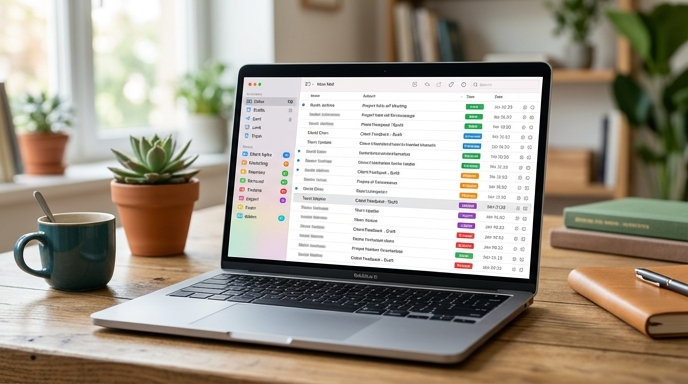
Setting up inbox rules isolates non-urgent notifications and surfaces high-priority messages immediately.
Building a Four-Folder Candidate Architecture
Keep career mail out of your primary inbox. Set up four folders or labels in your email client under a parent folder named Career:
Route matching messages directly into these folders so routine updates do not interrupt your daily work.
Filtering Automated Screenouts Without Reading Them Live
Getting an automated rejection during family time or deep focus is disruptive. You can route these messages to a dedicated folder without reading them in real time.
Create an email filter using common phrases from applicant tracking systems:
Have the rule apply the label Career/Decisions, mark the message as read, and skip the inbox. Set aside ten minutes once a week to check this folder and update your tracker. Batching these updates keeps you focused on your active pipeline.
Configuring High-Priority Recruiter Alerts
While automated emails can wait, interview requests need prompt attention. Set up a priority filter to surface genuine outreach right away.
Create a rule for messages containing phrases like "schedule a time", "interview availability", or "phone screen", as well as domains like calendly.com and chilipiper.com. Route these directly to Priority / Human Outreach and flag them as urgent.
Frequently Asked Questions
Could an automated filter accidentally hide a real interview offer?
Yes, if the filter conditions are too loose. Do not filter on broad terms like "update" or on company names alone. Use explicit screenout phrases, and test rules against existing emails before enabling them.
Should I use a separate email address entirely for job applications?
Yes. A dedicated email address (such as firstname.lastname.career@domain.com) keeps application traffic separate from personal accounts, receipts, and subscriptions.
How often should I review my filtered candidate folders?
Check the Priority folder twice a day, in the morning and afternoon. Review Submissions and Decisions once a week during your pipeline audit.