Coursera and edX Free Audit Limits: Accessing Technical Course Materials
Ads
When learning new skills on a budget, knowing Coursera and edX free audit limits is essential. Both platforms design their checkout flows to push users toward paid certificates and monthly subscriptions.
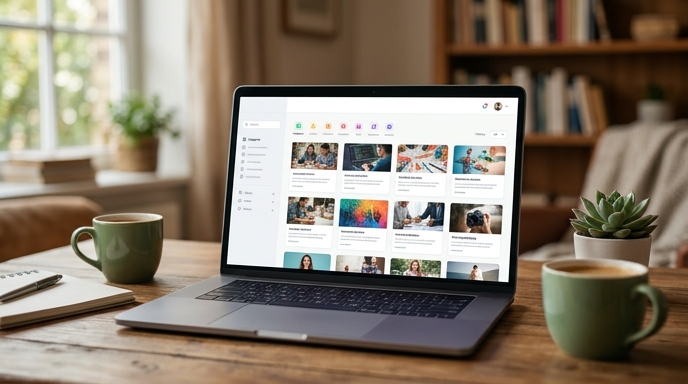
However, the actual course material—lectures, readings, and discussion boards—is still available for free if you know how to bypass the payment prompts.
How Coursera Gathers and Restricts Audit Access
Coursera groups many technical courses into multi-course tracks called Specializations or Professional Certificates. Clicking the main enroll button on a Specialization page shows only paid options, leaving out the audit link entirely.
Understanding Coursera's audit mode involves a few practical rules:
The edX Audit Model and Time-Limited Access Rules
The auditing structure on edX differs from Coursera's permanent-access format. Knowing the rules prevents losing access in the middle of a course.
Keep these limitations in mind when using edX's free tier:
How to Locate and Enroll in the Free Audit Track
To skip subscription prompts and access the free audit mode on either site, follow these steps:
Frequently Asked Questions
Can I put an audited course on my resume?
Yes. You can add it under a Continuing Education or Coursework section. State clearly that you completed the coursework (for example, Completed Coursework: Machine Learning (Stanford Online via Coursera)) without claiming an official verified certificate.
Can I switch from an audit to a paid certificate later?
Yes. Both platforms let you upgrade to a paid track at any time. Once you pay the fee and complete the required graded assignments, the platform issues your certificate.
Are all courses on Coursera available to audit?
Most university courses support auditing. However, select corporate programs and private professional certificates disable the audit link, requiring direct payment or an approved financial aid application.