Coursera Graded Assignment Paywalls: How Audit Mode Locks Evaluation Modules
Ads
When seeking to build machine learning or artificial intelligence literacy, many professionals turn to university-backed courses on Coursera. The platform advertises free access, but learners frequently encounter sudden access barriers midway through a syllabus.
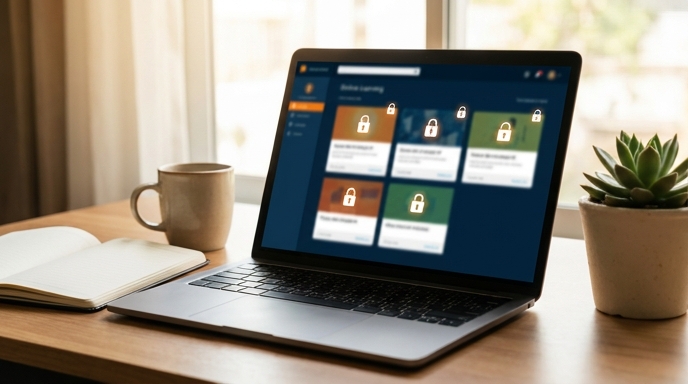
Understanding how Coursera graded assignment paywalls operate allows you to plan your upskilling journey without wasting time on restricted curricula.
What Audit Mode Actually Includes
Coursera allows learners to audit individual courses without entering payment details, provided the course is not part of an exclusive degree program. However, audit access is strictly limited to passive consumption:
The Technical Assessment Lockout
For technical subjects like Python, machine learning, and data science, the exclusion of interactive labs represents a significant hurdle. In many modules, the practice exercises run inside hosted cloud environments that require an active paid subscription or approved financial aid.
If you audit a course that relies on these hosted environments, you can view the assignment prompt and review the problem statement, but the automated grading container will not run or score your code.
How to Verify and Access Course Materials for Free
If your goal is knowledge acquisition rather than a paid credential badge, you can bypass paywall friction with these steps:
FAQ
Can I convert an audited course to a certificate later?
Yes. If you pay for the course or receive financial aid later, your lecture progress is saved, though you will need to submit the locked graded assignments to generate the badge.
Does Coursera offer financial aid for individual courses?
Yes. Coursera provides an application-based financial aid program for most courses, which requires an application review period before approval.
Are all courses on Coursera available to audit?
No. Certain guided projects, corporate-sponsored paths, and full degree programs do not offer an audit tier.