LinkedIn Open to Work Visibility: How the Recruiter-Only Setting Really Behaves
Ads
When you signal that you are available for hire, your primary concern is preventing your current manager or internal HR team from discovering your search. LinkedIn offers two distinct visibility modes for its candidate availability toggle, but their mechanical differences are often misunderstood by applicants.
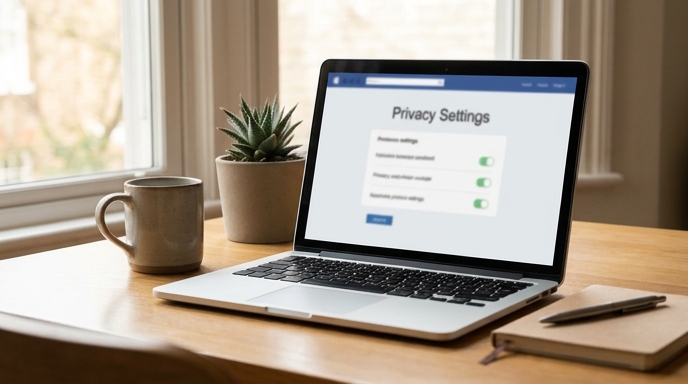
Understanding how the LinkedIn Open to Work visibility toggle partitions your profile data determines whether your job hunt stays confidential or surfaces during internal audits.
How the Recruiter-Only Filter Operates
Selecting the recruiter-only option keeps the green profile photo frame off your public profile. Instead, the platform places an internal flag on your account that surfaces your profile in LinkedIn Recruiter talent pool searches.
The system automatically checks the current employer listed in your profile's Experience section against the corporate parent account of the Recruiter seat performing the query. If there is a direct match, your profile is withheld from their candidate pipeline.
Where the Confidentiality Safeguards Fail
While the system blocks direct coworkers who share an exact company domain, technical gaps remain that every candidate must monitor:
How to Configure Your Privacy Settings This Week
You can audit and set your candidate visibility parameters directly from your desktop browser in under two minutes:
FAQ
Can internal HR see me if they use personal accounts?
No. Personal accounts without an active LinkedIn Recruiter enterprise license cannot see the private flag unless you enable public visibility.
Does selecting 'Immediately' alert anyone?
No special notification is broadcast. The timeline preference simply assists recruiters who filter candidate searches by availability windows.
Will my colleagues see if I change my headline?
Changing your public headline creates an activity alert unless you disable profile edit sharing under Settings & Privacy before making changes.