Taleo ATS Plain Text Resume Formatting: How to Strip Problematic Code with AI
Ads
While modern recruiting software has improved document parsing, many large enterprises, healthcare networks, and government contractors still use legacy configurations of Oracle's Taleo system. Older applicant tracking systems frequently fail when parsing complex resume layouts.
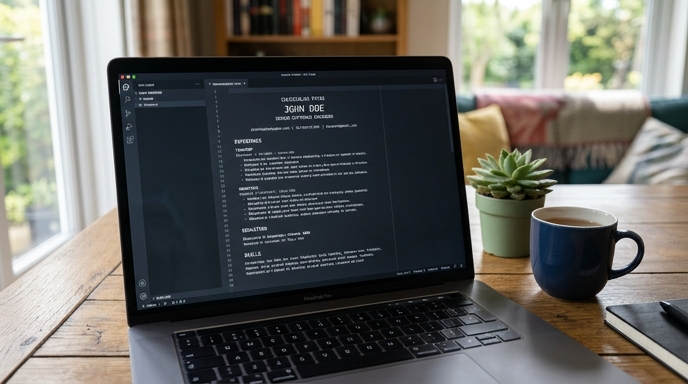
If you upload a multi-column PDF with icons, text boxes, and custom bullets to an older Taleo portal, the system often scrambles your work history. Job titles map into company fields, employment dates disappear, and your application risks automated rejection before a recruiter reviews it.
Why Taleo Scrambles Modern Documents
Legacy parsing algorithms read documents linearly from left to right across the page. When the parser hits a two-column layout, it reads straight across both columns, merging text from your skills list into unrelated job descriptions.
Custom graphic bullets, non-standard Unicode symbols, and embedded tables also disrupt character recognition. For legacy enterprise portals, a single-column, plain text version of your resume gives the most reliable parsing results.
The Taleo Plain-Text Conversion Prompt
You can use an AI prompt to strip problematic formatting while maintaining your structural hierarchy. Run this prompt with your resume text:
You are an ATS compliance engineer specializing in legacy Oracle Taleo parsing rules. Convert the provided resume text into a strict ASCII-compliant, single-column plain text format. Follow these rules: 1) Remove all tables, graphic symbols, custom bullet points, and icons. 2) Use standard keyboard characters for hierarchy (e.g., use simple dashes '-' for lists and capital letters for section headings). 3) Ensure standard section labels: 'WORK EXPERIENCE', 'EDUCATION', 'SKILLS'. 4) Format every job entry with the exact structure: Job Title, Company Name, City/State, Start Date - End Date. 5) Preserve all accomplishment text without adding or removing words.
This prompt generates a clean, predictable text block that legacy parsers ingest without misaligning profile fields.
Testing the Ingestion Preview
When applying through a Taleo portal, check the candidate profile fields generated immediately after file upload. This preview screen shows how the parser read your document.
If you see blank company names, reversed dates, or resume text dumped into the wrong fields, do not just fix the fields by hand while leaving the original file attached. Remove the attachment, paste your plain-text resume into the text field, and let the system map the data cleanly.
Frequently Asked Questions
Does submitting a plain text resume look unprofessional to recruiters?
Taleo portals pull plain text into standardized database profiles for recruiter review. If a hiring manager asks for a visual copy during an interview, you can provide a clean, professionally formatted PDF directly.
Can I use bolding or italics in a Taleo plain text upload?
No. Plain text fields strip all styling tags. Use uppercase lettering for main headings (such as "WORK EXPERIENCE") and clean line breaks to organize the text.
What date format works best for legacy enterprise parsers?
Standard month and year formats like "MM/YYYY" or "Month YYYY - Month YYYY" (for example, "03/2021 - 08/2024") parse reliably across legacy systems.